
 Technician
 ASSIGNED · START CAPTURE
Open the exact work
See scope, address, required proof, manager note, and safety hold before shooting.
Technician phone + tablet
The default technician path is intentionally simple: open assigned work, follow the capture map, add notes or video, ask the FieldScan Guide or manager for help, save what was done, and submit it for review.
Technicians can work their jobs and preserve help history, but cannot change company scoring rules, pricing, user roles, other technicians’ assignments, or manager approvals.
Plans from $49/mo · contact Austin →What the technician sees
A visual job card opens the required views and help context. Work notes, captured media, the help conversation, submission state, and any manager return stay attached to that packet.
ASSIGNED · START CAPTURESee scope, address, required proof, manager note, and safety hold before shooting.
 HELP SAVED TO JOB
Get guidance, save the answer and work note, then return to the next required shot.
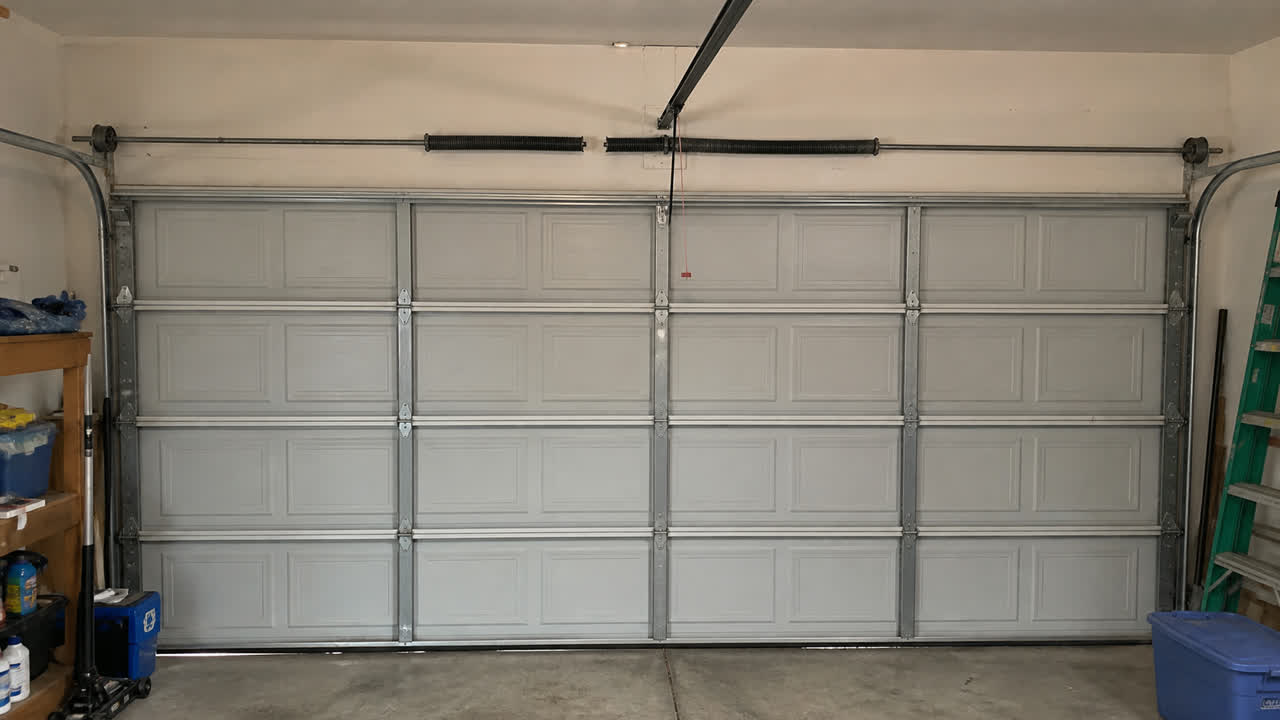 RETURNED · 1 RESHOOT
The returned angle remains tied to the original packet; the completed proof stays saved.
Showcase photos: Richard Low Hong and José Andrés Pacheco Cortes via Pexels. Job labels are synthetic; the garage image is a FieldScan test asset.
FieldScan guidance is advisory. Follow company procedure, equipment instructions, safety rules, and appropriately licensed professionals.